Click Counter: A Simple Online Tool for Counting Every Click
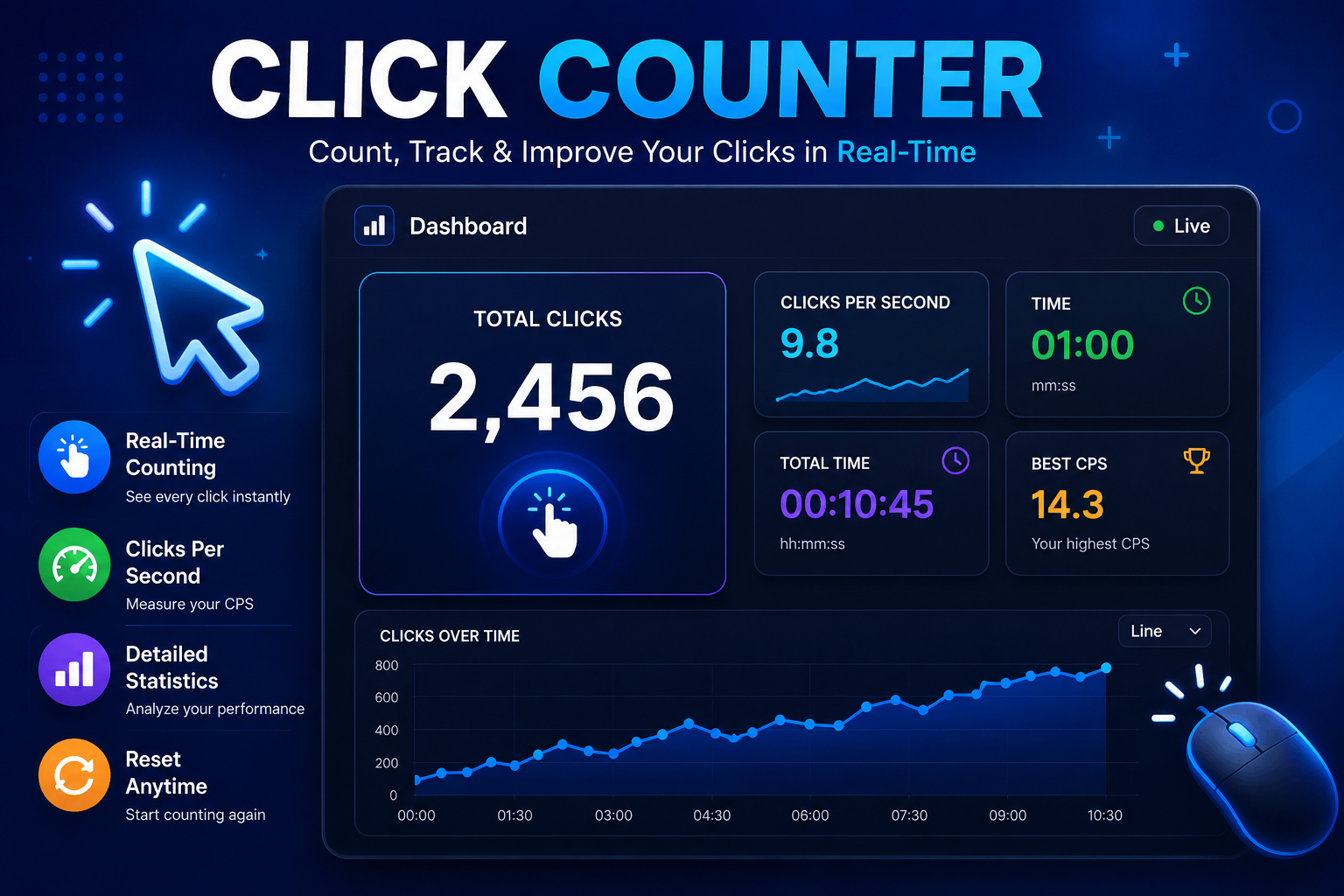
Keeping track of repeated actions becomes difficult when numbers start adding up. Whether you are counting workout repetitions, people entering an event, products in a box, laps during a game, or daily tasks, it is easy to lose your place.
A click counter gives you a simple way to avoid that problem. Instead of using paper tally marks or trying to remember the number, you press a button each time an action happens. The total appears on the screen and increases as you count.
For beginners, its simple interface makes repeated counting easier, especially when the task requires steady attention for several minutes.
What Is a Click Counter?
A click counter is a digital tool that keeps a running total of registered clicks or taps. With an increment of one, every press increases the number by one. Unlike a Click Tester, which is generally used to measure clicking speed, a counter focuses on keeping an accurate running total.
For example, if you need to count 50 items, you can press the counter once for each item instead of making 50 marks on paper. The current total remains visible, so you can check your progress at any time.
Most basic counters include a large number display, a counting button, and a reset option. Some also offer custom increments, undo controls, keyboard shortcuts, targets, or saved counts.
How Does an Online Counter Work?
An online counter runs inside a web browser. When you click or tap the active button, the page detects the input and updates the number on the screen.
The process is simple: start at zero, click once, see one, click again, see two, and continue. The page normally does not need to reload after every input.
Depending on the tool, the current number may stay available only during the session or may be saved in browser storage. If saving your count is important, check the tool's actual storage behavior before starting a long-term task.
Why Use a Digital Counter Instead of Manual Tally Marks?
Manual tallying works well for a small number of items. It becomes less convenient when a task involves hundreds of repeated actions.
With paper, you have to make a mark for every item and count those marks later. An interruption can also make you unsure about where you stopped.
A clicker handles the running total for you. You use the same action for each item and check the displayed number as you work.
A digital counter is useful when you need a quick running total, want to avoid carrying a physical device, or prefer a clear number instead of tally marks.
Common Uses
A click counter can help with:
- Fitness repetitions and exercises
- Event attendance
- Inventory checks
- Sports laps, rounds, or points
- Daily tasks and repeated activities
If you need to maintain a running total, a digital counter can often handle the job.
How to Use an Online Counter
Using a browser-based counter requires very little setup.
- Open the counter in your preferred browser.
- Check the starting number.
- Reset the total if you are beginning a new task.
- Press the counting button once for every item or action.
- Check the number occasionally during a long session.
- Use an undo or minus control if available and you make a mistake.
- Record the final number if you need it later.
- Reset before starting a separate count.
Click Counter vs. Click Test
A Click Test and a counter serve different purposes, even though both involve clicking.
A counter tells you how many times you clicked. A Click Test usually measures how quickly you can click during a fixed period. The result is commonly shown as CPS, or clicks per second.
For example, counting 100 products is a job for a counter. Testing how many clicks you can make in five or ten seconds is a speed-testing task.
An Online Clicker Test can be useful when the goal is to measure clicking performance instead of recording a total. A Click Tester may provide a timer, score, CPS result, and other statistics.
This distinction matters because a counting tool and a speed test answer different questions. Choose the one that matches your goal.
What Makes a Good Digital Counter?
For basic tasks, a simple interface is often more useful than a crowded one.
A good tool should have a clear display, a responsive counting button, and an easy reset control. Useful features may include:
- Undo or decrement controls
- Custom increments
- Keyboard shortcuts
- Mobile-friendly controls
- Saved sessions
- Target numbers
- Multiple counters
Is an Online Counter Accurate?
Digital counting can reduce mistakes caused by remembering numbers or manually adding tally marks. However, no browser tool should be treated as completely error-proof.
A click outside the active button may not register. An accidental press can also increase the total. Browser issues, device problems, or an interrupted session may affect the result.
For better results, use a consistent counting method, keep the active button easy to reach, and check the display during a long session. If the total is important, record it when you finish.
Frequently Asked Questions
Is An Online Click Counter Free?
Many browser-based counters are free, although available features depend on the website.
Can I Correct A Wrong Count?
If the tool provides an undo or decrement option, you can use it to remove an accidental input. Otherwise, you may need to restart the session.
What Is The Difference Between A Click Tester And A Counter?
A Click Tester generally measures clicking speed, while a counter records the total number of clicks or actions.
What Is An Online Clicker Test Used For?
An Online Clicker Test measures clicking speed during a selected time period rather than a running total.
Final Thoughts
A digital counter is a practical solution whenever you need to track repeated actions. It removes much of the mental work involved in remembering a running number and can be accessed from a browser without carrying a separate tally device.
For everyday counting, choose a tool with a clear display, easy controls, and features that match your task. If you need to measure clicking speed rather than count actions, a Click Test, Online Clicker Test, or Click Tester is more appropriate.
The right tool depends on your goal: use a counter when the total matters, and use a speed test when clicking performance is what you want to measure.